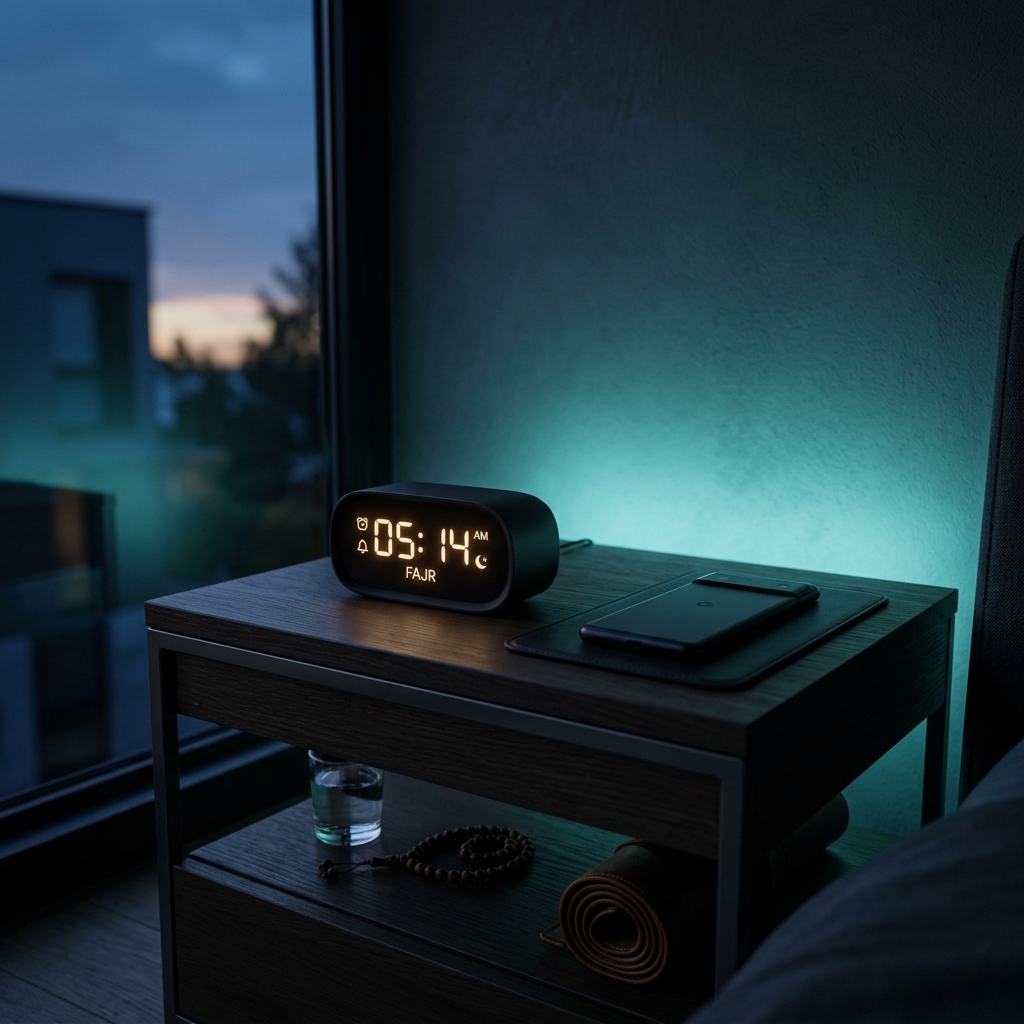
If you've ever tried to rely on a modern smartphone to wake you up for Fajr, you've probably encountered the exact same frustration we did: iOS notifications are strictly limited to exactly 30 seconds of audio.
That means right in the middle of a beautiful, spiritual call to prayer, the audio abruptly cuts off. And worse, a 30-second chime often isn't enough to pull you out of deep sleep at 4:30 AM.
This was a massive problem for us. So, we engineered a completely new solution from the ground up: The Prayer Clock Alarm.
Bypassing the 30-Second Limit
Standard app notifications are designed for short alerts—a text message or an email. Apple enforces a strict 30-second cutoff on their sound files. But an Adhan is an experience. It's meant to be heard in its entirety.
By deeply integrating with iOS's critical alert and alarm frameworks, NourAthan’s Prayer Alarm operates fundamentally differently than standard push notifications. When the alarm triggers, it bypasses the 30-second limit and plays the entire Adhan from start to finish.
How to configure the Prayer Alarm
We know you don't need a blaring alarm for Dhuhr while you're sitting in a meeting. That's why the Prayer Alarm is entirely selective.
Jump into your NourAthan settings, and you'll find the dedicated Alarm configuration:
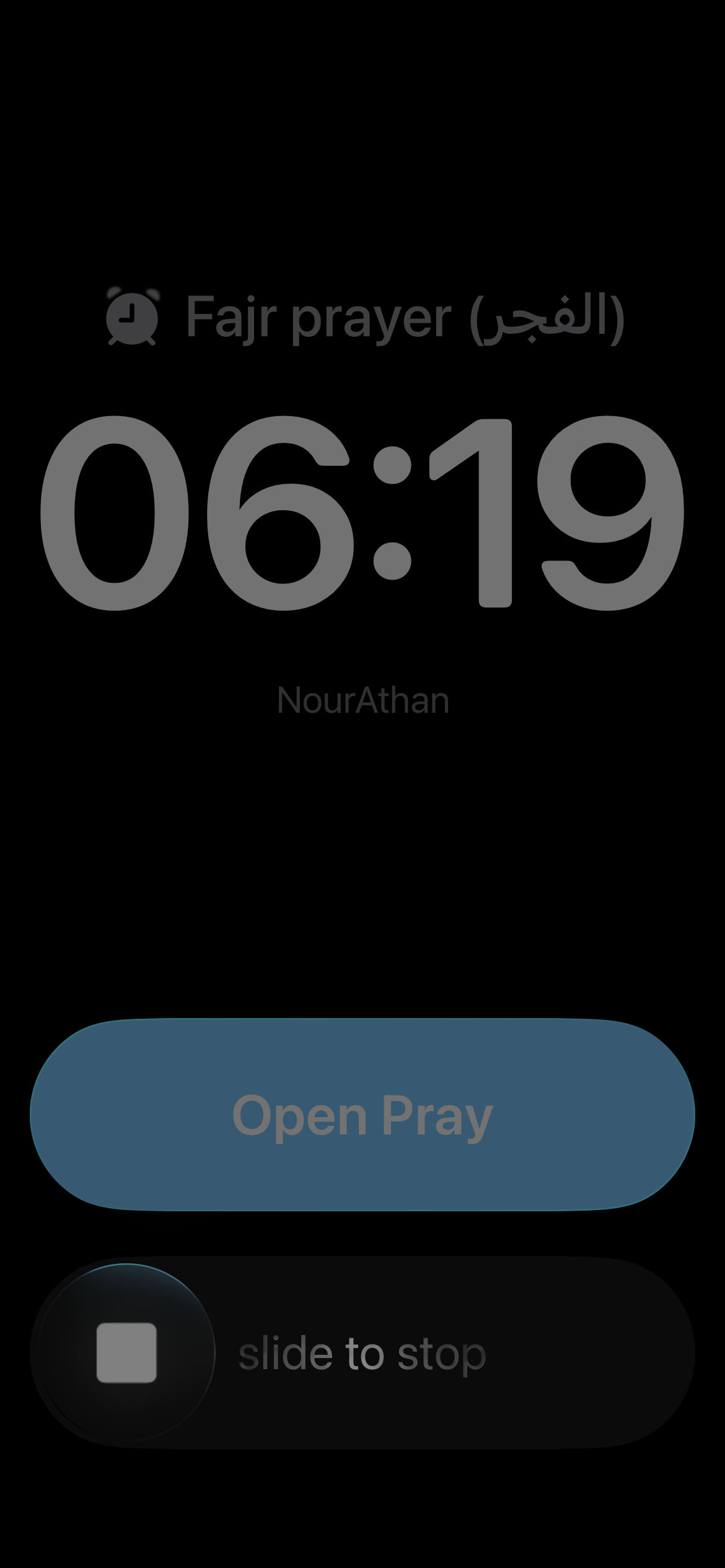
Instead of a blanket setting, you can toggle the full alarm strictly for the prayers you need—like Fajr—while leaving the rest as standard, polite iPhone notifications.
Pro Tip: Mastering iOS Display & Sound Settings
Because the Prayer Alarm hooks natively into iOS, you actually have further tuning options inside your main iPhone settings:
- Critical Alerts: Make sure you allow NourAthan to push Critical Alerts if prompted. This ensures your Fajr alarm will sound even if your phone is in "Do Not Disturb" or "Sleep" focus modes!
- Volume Independence: Your alarm volume is tied to your system's Ringer volume. If you want the Adhan to be loud but your phone calls to be quiet, remember to adjust your Ringer and Alerts slider in the iOS Sound & Haptics settings before you sleep.
We built this feature because waking up for Fajr shouldn't require setting four different standard Apple alarms. With the Prayer Clock Alarm, you get the full, uninterrupted Adhan, exactly when you need it. Let us know how your mornings change!