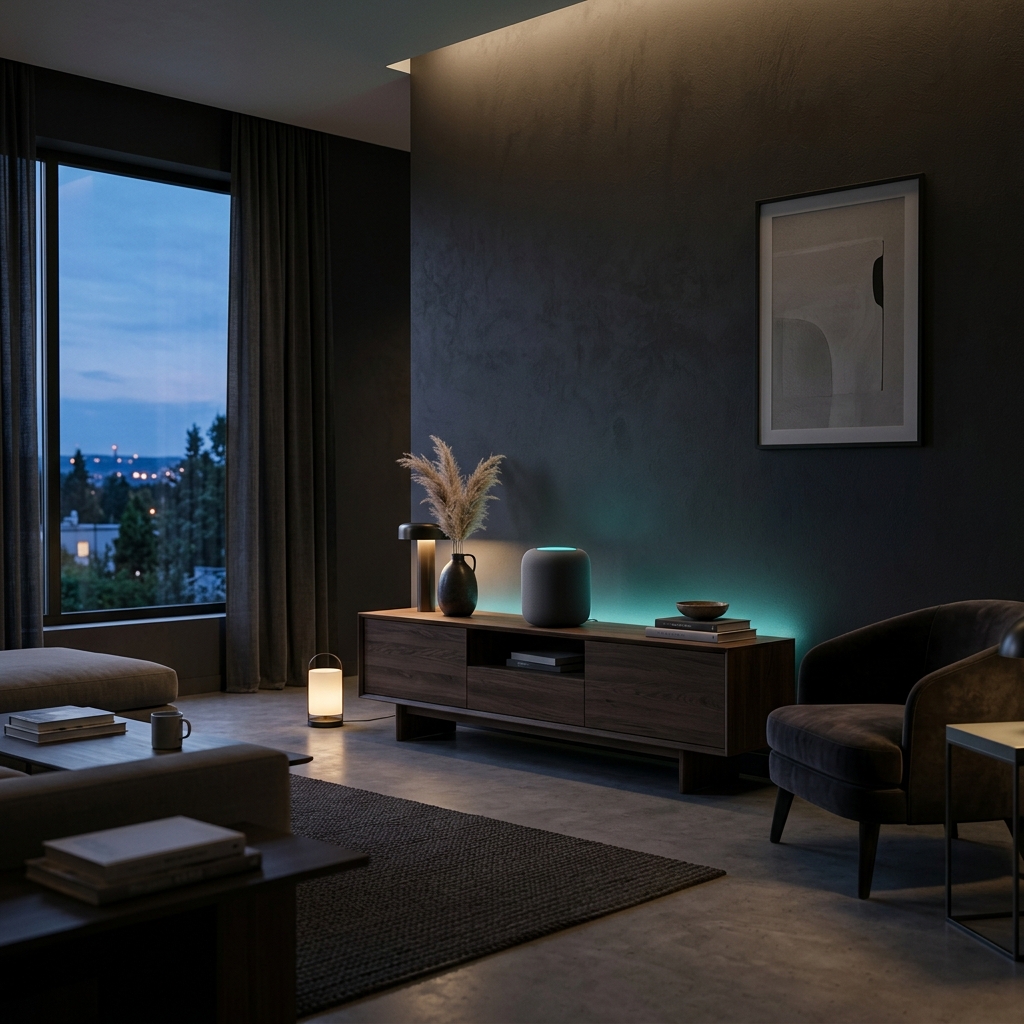
When we built NourAthan, the goal was always to bring prayer back into focus without the digital noise. But let's be honest: having the Adhan play from a tiny phone speaker while it's sitting on a desk isn't always the most immersive experience.
Sometimes, you want the call to prayer to actually resonate through your living room, just like it would if you lived near a local mosque.
That is exactly why we made sure NourAthan plays nicely with iOS system audio. That means you can easily cast the Adhan to your HomePods, Apple TV, or any AirPlay-compatible speakers (like Sonos).
How to set it up
It's completely seamless. You don't need to fiddle with bluetooth pairings or rely on hacky workarounds.
When it's prayer time, NourAthan delivers its usual, clean alert right to your lock screen:
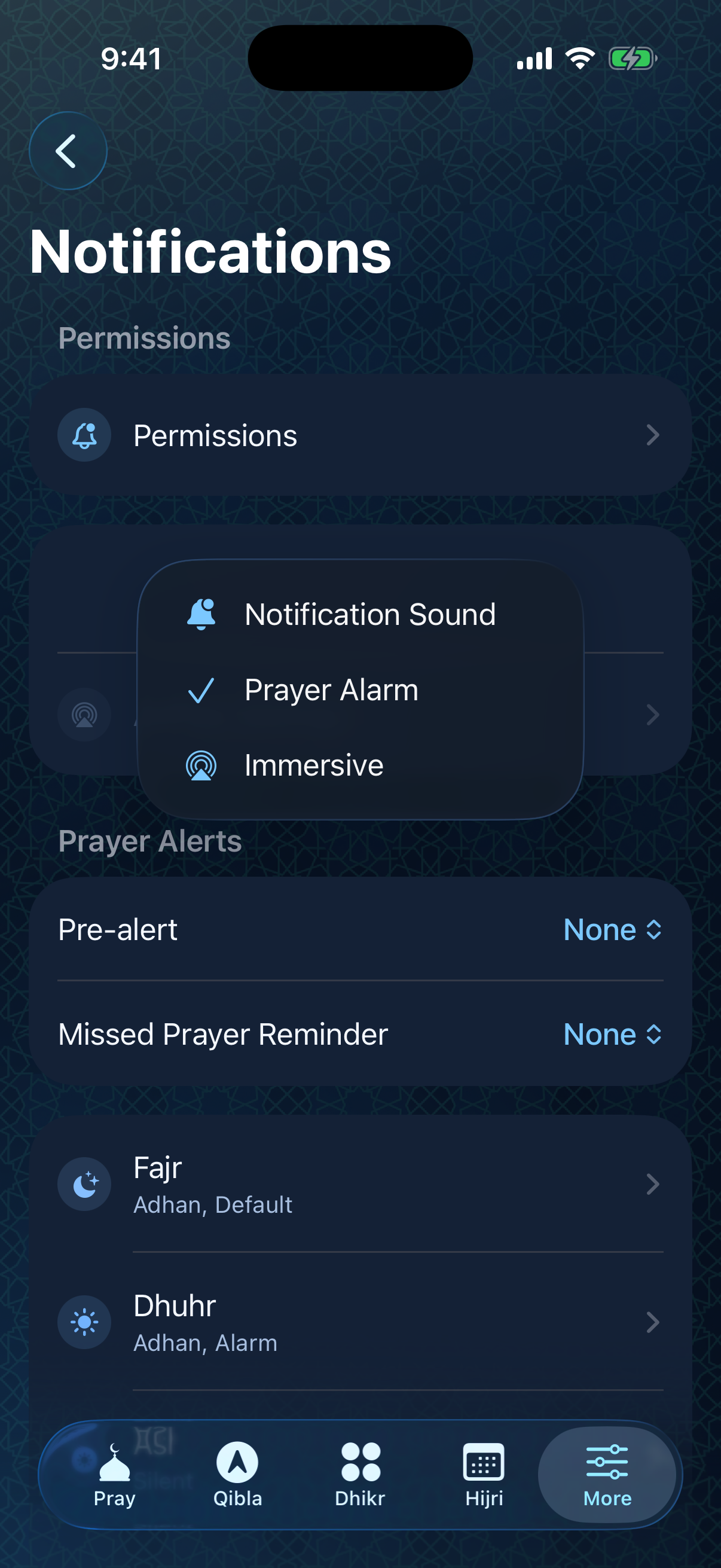
Because the app is deeply integrated with the native iOS audio framework, your phone already knows exactly how to handle the sound. You don't even need to dig through complex app settings to get this working. The system picks up the high-quality audio stream right away:
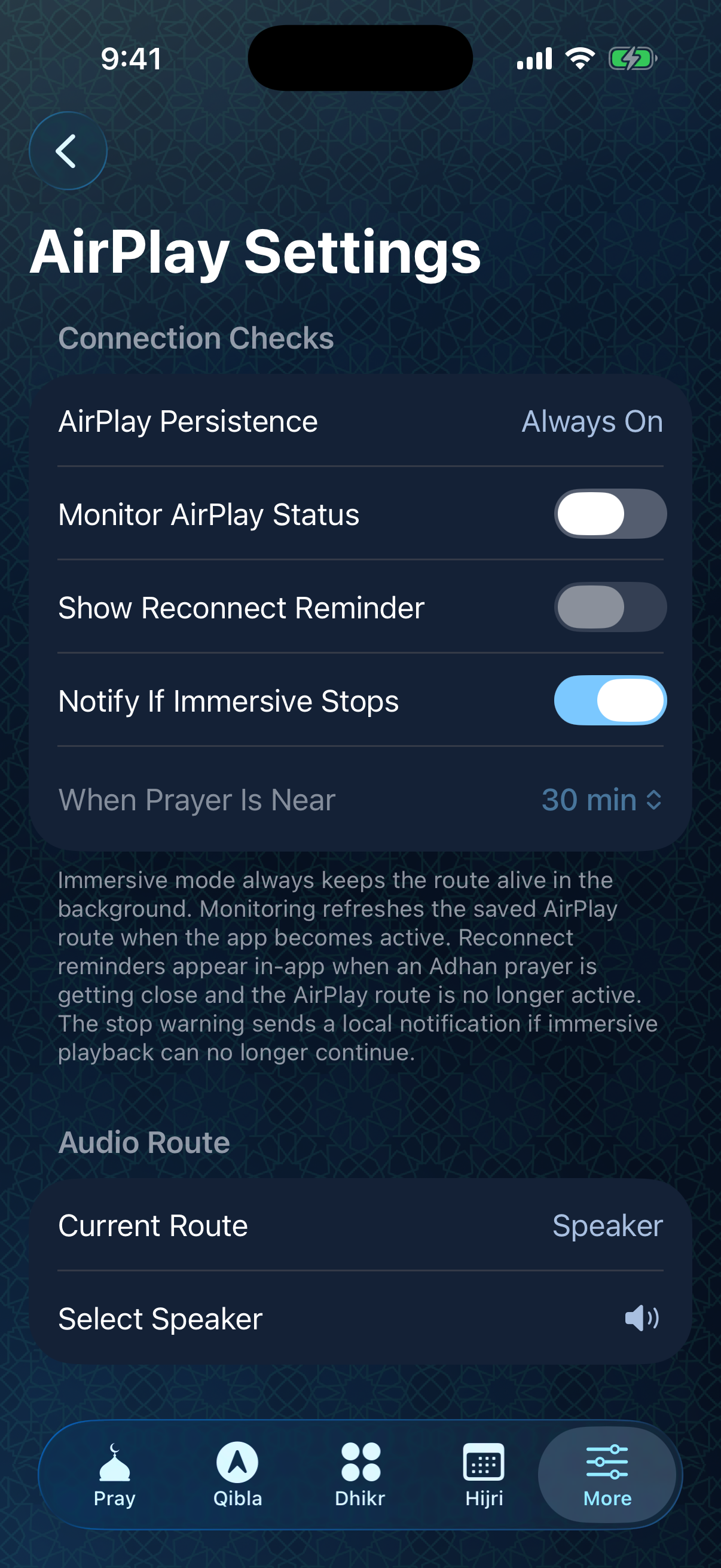
Here is the absolute fastest way to get it playing on your speakers:
- Pull down the Control Center on your iPhone (swipe down from the top-right corner).
- Tap the AirPlay icon in the top right corner of the audio card.
- Select your HomePod or living room speaker setup.
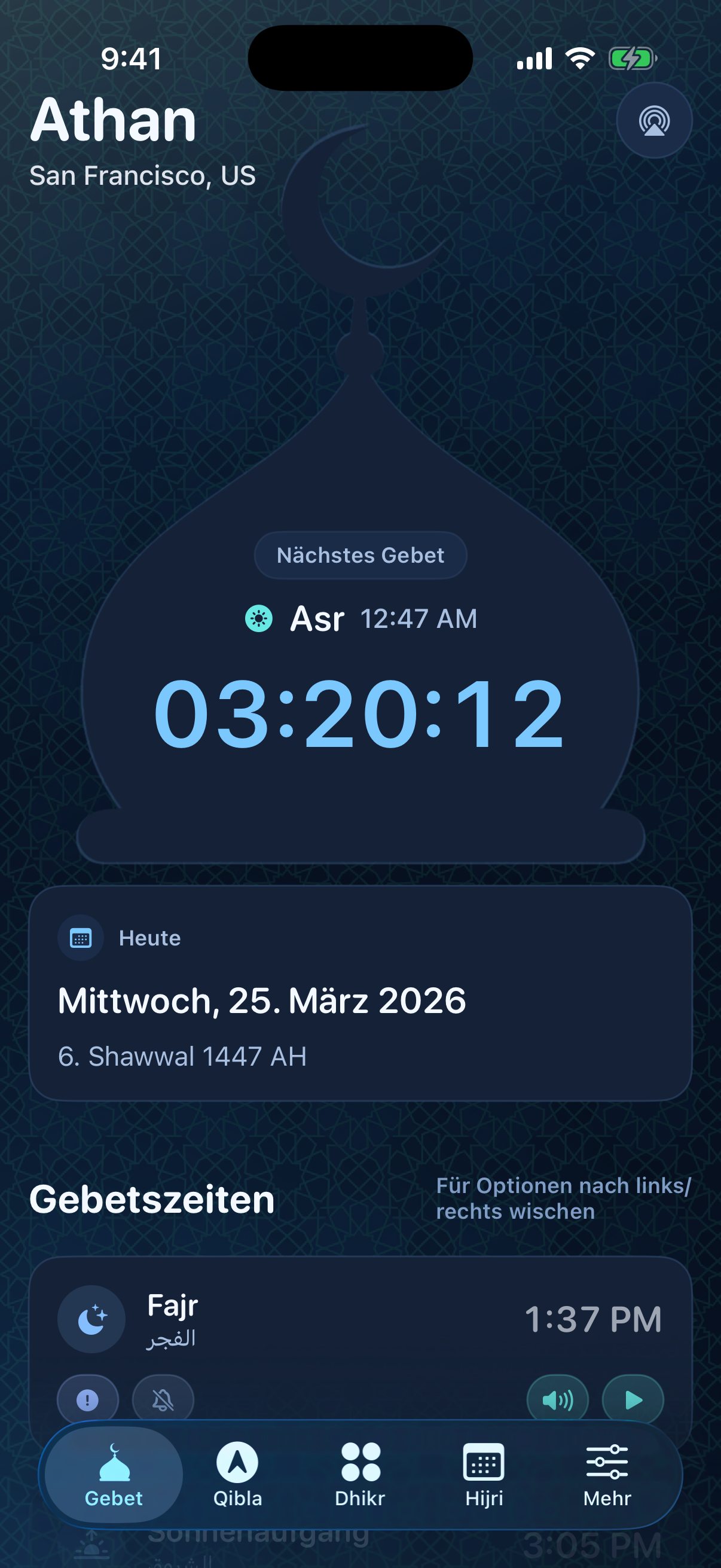
Once connected, any Adhan that plays inside the NourAthan app will automatically route through your selected speakers.
Why this matters
The atmosphere changes completely when the Adhan echoes through a house rather than just vibrating in your pocket. It turns a personal notification into a shared moment for the whole family: to pause, disconnect from worldly distractions, and get ready for prayer.
Pro Tip: The ultimate home setup
Because of how iOS handles AirPlay, your primary phone will disconnect from the speaker as soon as you leave your home Wi-Fi network. When you return, you’ll have to manually reconnect AirPlay.
If you want a truly permanent call-to-prayer system, consider using an old iPhone or iPad that you aren't carrying around anymore. Keep it plugged in, connected to your home Wi-Fi, and permanently AirPlay'd to your dedicated speaker. NourAthan will seamlessly run in the background, transforming your old device into an always-on, hands-free Adhan station for the entire house.
Try it out before Maghrib tonight and let us know how it feels.